Why profiles matter
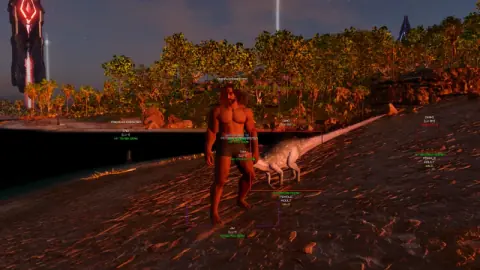
One preset for PvP tribe raids and another for taming runs saves time every session. Save your ESP distance, dino filters, and aimbot FOV once — then load the right profile before you join a server.
Save and load steps
Open the Ark Cheats menu in-game, tune your settings, then use Save profile. Name each file by map or role so you can load it fast next time.
- Save after you set player ESP, dino ESP, and item ESP filters
- Load a PvP profile before official PvP servers
- Load a PvE profile before taming or boss prep